Turn guest clips into an event highlight reel.
Guests scan a QR and record up to 10 seconds. No app to install.
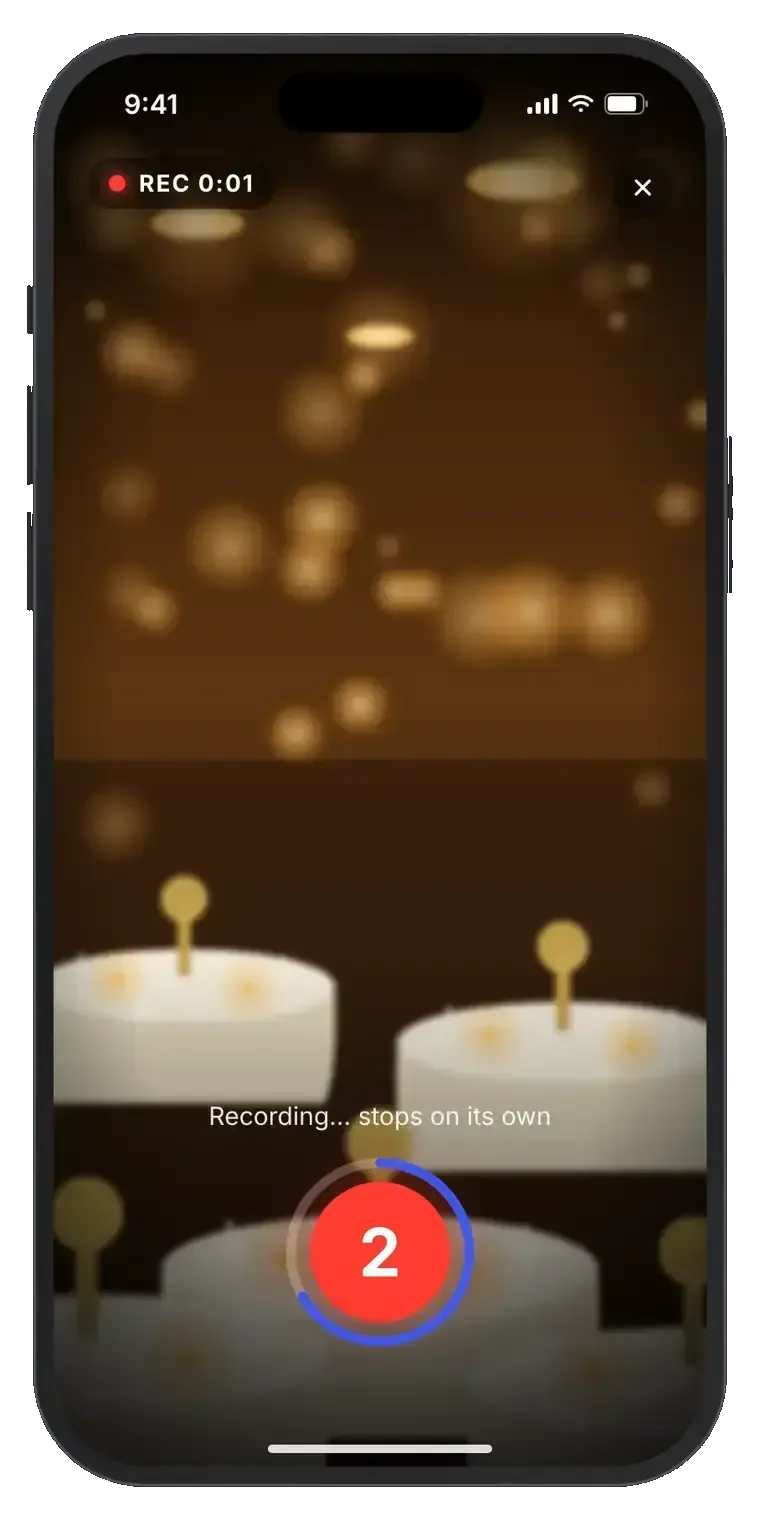
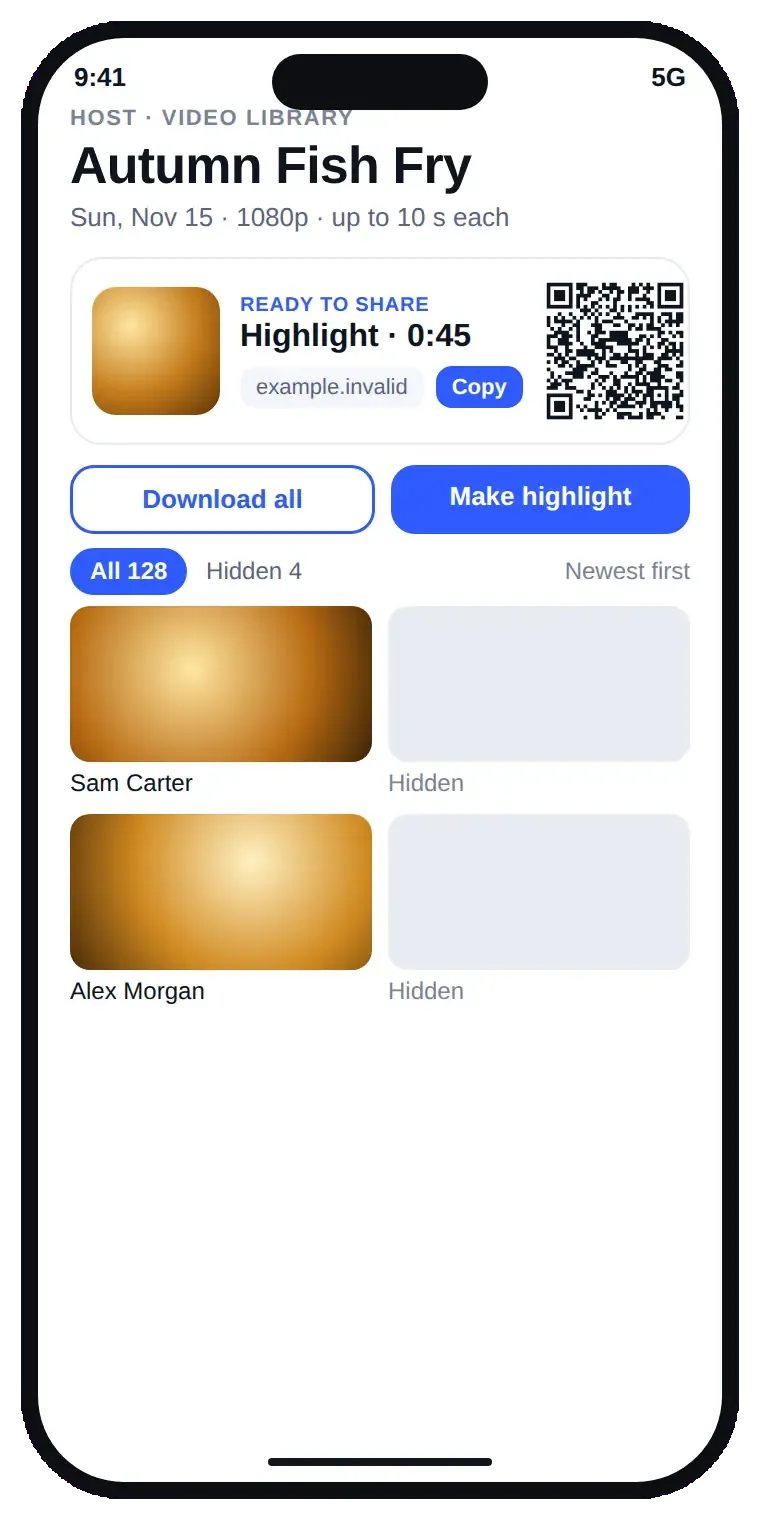
From table QR to highlight reel.
1
Put the QR on the tables
Print it or show it on a screen at the event.
2
Guests scan, no app
The camera opens right in their phone's browser.
3
Record up to 10 seconds
One tap. It stops on its own and uploads.
4
Get your highlight reel
Pick the best clips and make one highlight to share.
Simple for guests, in control for hosts.
Clips up to 10 seconds
Short on purpose, so everyone joins in.
Scan and go
No app, no account for guests.
Guests see only their own clips
My clips shows only theirs, plus the host.
Host library
Review, hide or download any clip.
Highlight reel
Make one highlight, share it by link or QR.